 TRANSFORMERS & ELECTRICAL COMPONENTS
APPLICATION / 01
Substation equipment protection
For selected feeder, transformer and other substation protection arrangements.
Four product ranges · Manufacturing and coordinated supply
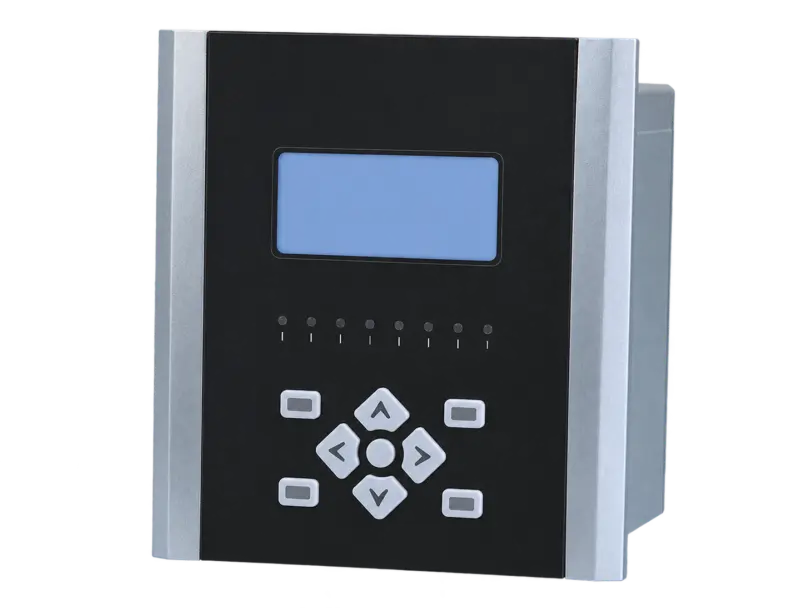
Product illustration. Actual configuration varies by specification.
Open product image ↗Protection and control device with local/remote breaker control and monitoring functions.
Price on enquiry · Configuration, quantity & destination
Supply scope, manufacturer information, applicable documents and warranty arrangements are confirmed in the quotation and order.
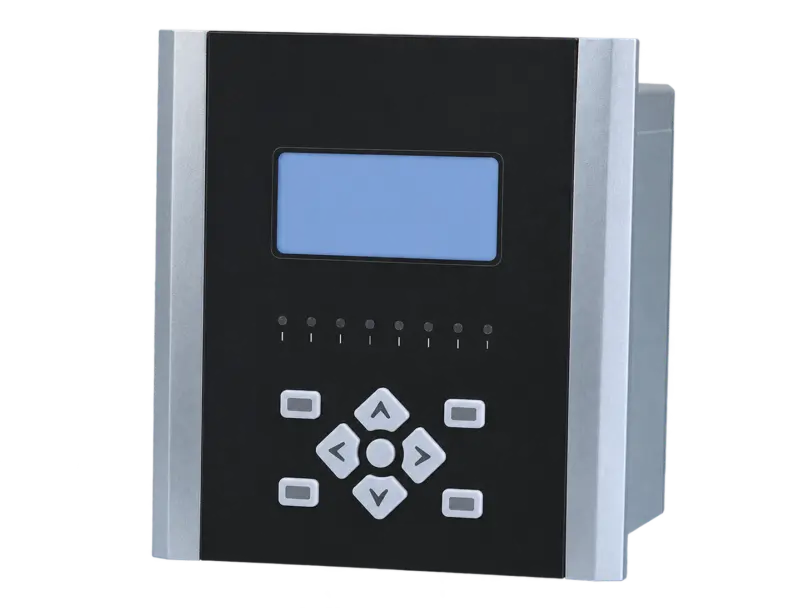
MKB2000 is a protection, measurement and control series for selected substation duties. The required variant is defined by the protected equipment and protection scheme, including differential or backup functions where applicable. Breaker control, circuit supervision and system communications must be coordinated with the panel design.
For selected feeder, transformer and other substation protection arrangements.

For installations requiring protection logic together with local/remote operation and supervisory signals.
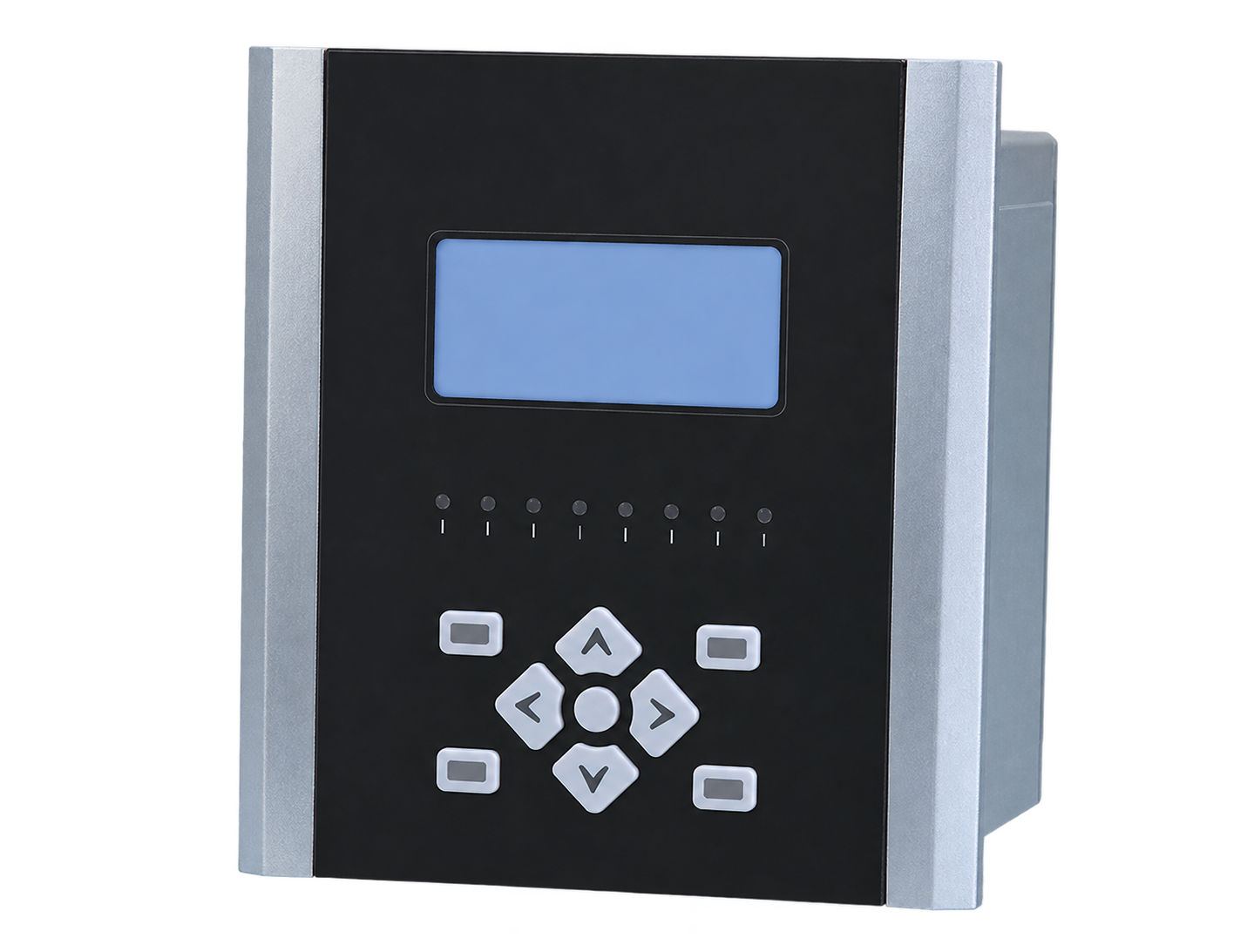
The protection scope follows the selected variant and protected object. Differential, backup and other functions should be listed explicitly in the technical requirement.
Local and remote control functions are coordinated with trip and close circuits. Anti-pumping, holding and interlock requirements belong in the complete secondary design.
Trip/close circuit and CT/PT-related supervision functions support the selected protection arrangement. Required alarm handling and outputs should be specified.
Event and fault information can support operating review. Required access, retention and integration should be confirmed for the selected device.
RS485 Modbus communication and a local display are described. Protocol points, device variant and required interface language must be checked for the project.
Match the installation drawing, cable routes, clearances and electrical duty for the selected equipment.
Illustrative working sceneSend your selected rating and installation requirements to request the matching dimensional drawing, connection details and technical schedule.
Agree the selected specifications, applicable drawings, inspection records and identification requirements in the quotation and order.
Include quantity, destination, packing requirements and preferred trade terms. Confirm transport scope and the requested delivery schedule with the quotation.
For an existing unit, provide its model, nameplate or order reference and a description of the issue. Include relevant photos or records already available. Warranty and service scope follow the agreed order terms.
Contact about this model ↗Choose your enquiry type. Start with the information you have.
Quotations are prepared for the selected configuration, quantity and destination. Currency, validity, delivery terms, freight and any applicable duties or taxes are specified in the quotation.
New installations & project tenders
Discuss a project ↗Send the protection scheme or DC load schedule, auxiliary supply and required functions.
Model lists & repeat orders
Discuss supply requirements ↗List exact device variants, input ratings, interfaces, language and documentation requirements.
Equipment integration & matching
Discuss an assembly ↗Provide secondary schematics, I/O allocation, terminal arrangements and panel dimensions.
Identify an existing unit or part
Identify a replacement ↗Start with the device nameplate, wiring drawing and settings or battery data relevant to the replacement.
Illustrative enquiry scenarios.
Testing, warranty terms and after-sales scope are to be agreed in the quotation and order documents for the selected configuration.
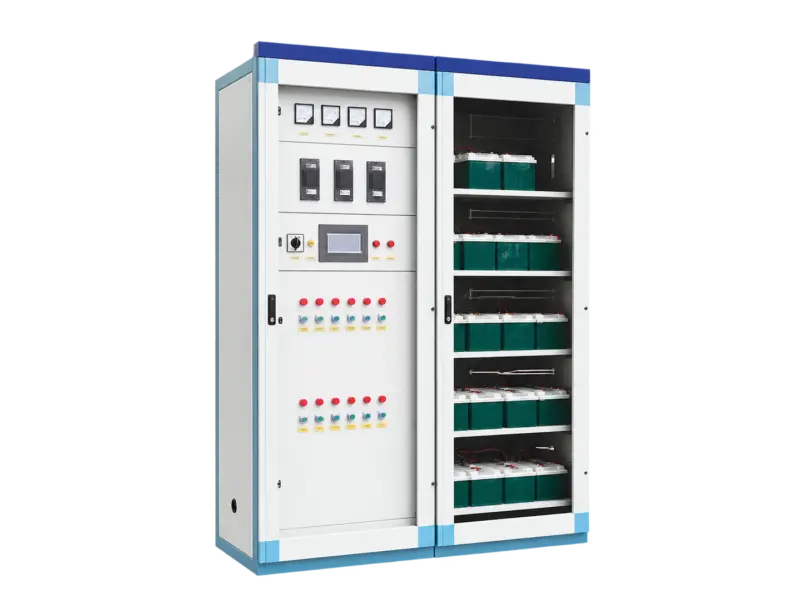
DC output options: 220 / 110 / 48 V
View specifications ↗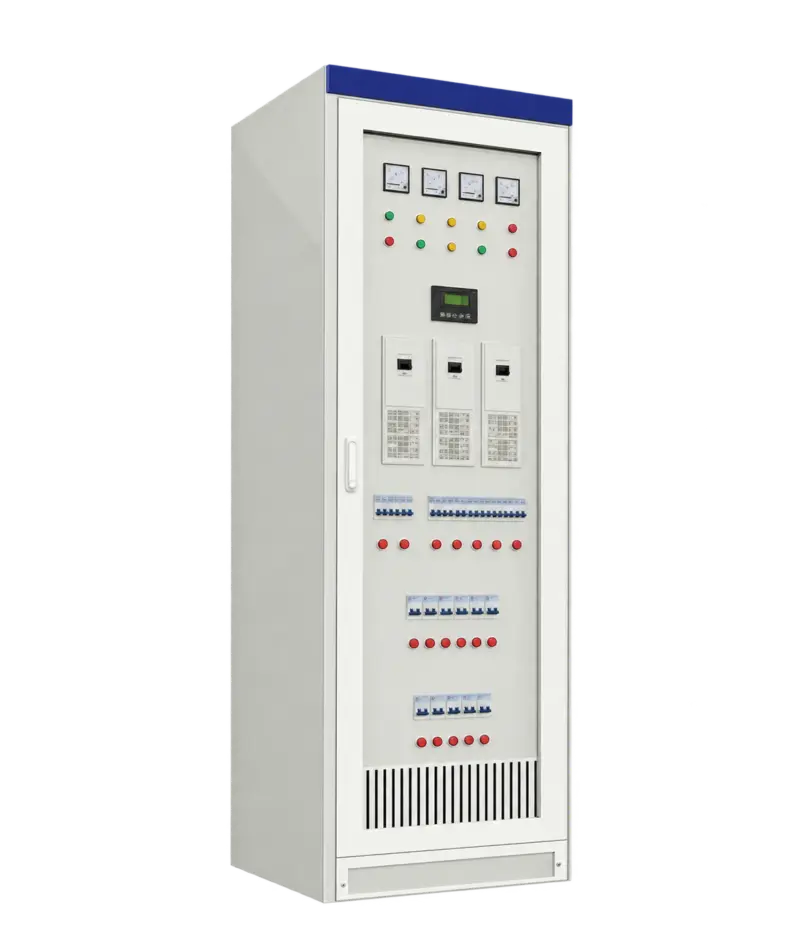
Functions: Protection / measurement / control
View specifications ↗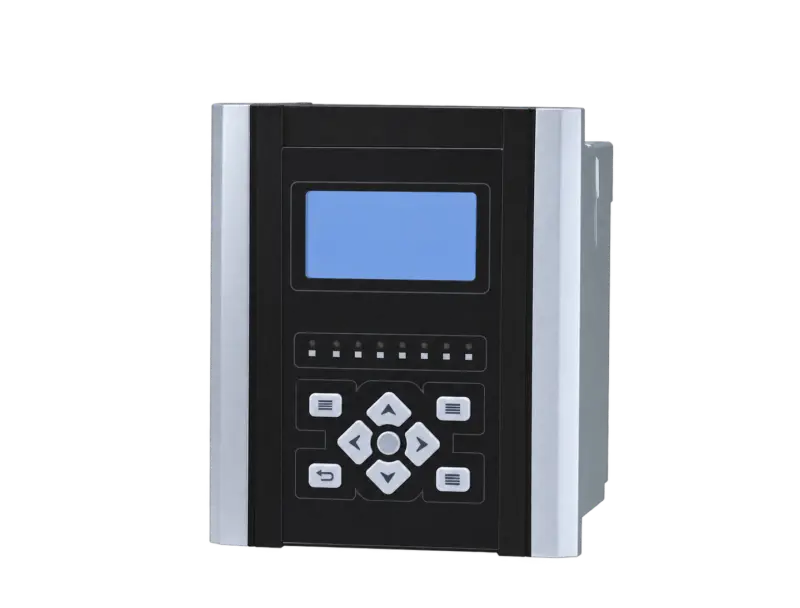
Functions: Protection / measurement / control
View specifications ↗Mingkong High & Low Voltage Switchgear Selection Guide · Updated 24 October 2026 · Chinese / English
For a quotation, include your required model, rating, quantity and operating conditions.